
Balancing User Experience and Security in Microsoft 365 for Business Deployments
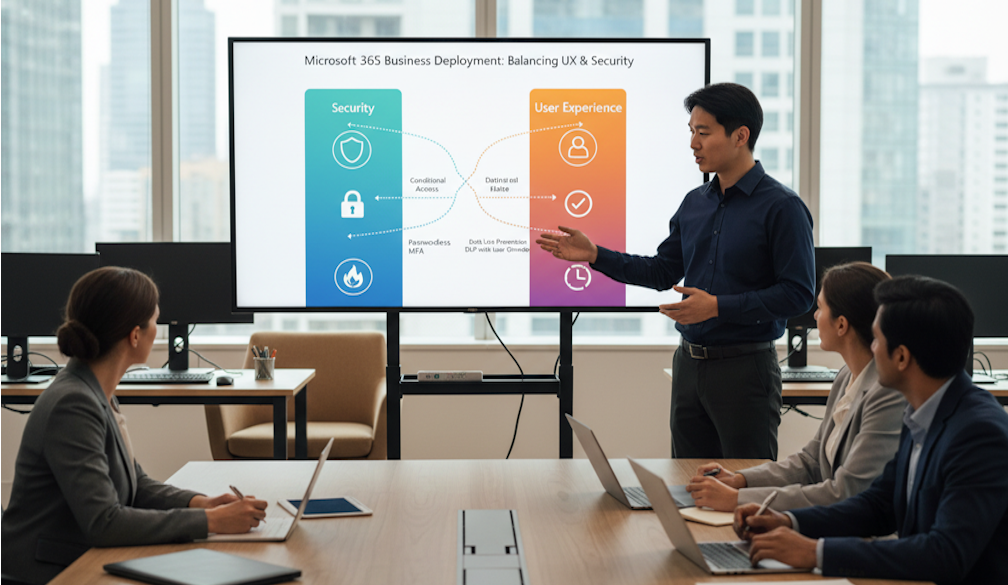
Security controls that frustrate users inevitably get circumvented, while frictionless environments that ignore risk exposure leave organisations vulnerable. For IT leaders managing large Microsoft 365 for Business deployments, finding the right balance between these two forces is an ongoing operational challenge. This article will outline where the most common friction points emerge and how to address them without compromising either the user experience or the security posture of the environment.
Where Friction Typically Surfaces
In large fleet environments running Microsoft 365 for Business, the most visible tension between security and usability tends to appear at the authentication layer. Conditional Access policies that trigger MFA challenges too aggressively or block access from legitimate locations generate a disproportionate volume of helpdesk tickets and erode user trust in the platform. The problem compounds when policies are configured in isolation without visibility into how they interact with each other across different user populations.
Device compliance is another common friction point, particularly in organisations that deploy Microsoft Surface for business hardware alongside a mixed fleet of other endpoints. When compliance policies are too rigid, users on perfectly functional devices find themselves locked out of applications because a minor policy condition hasn't been met. The operational cost of these disruptions extends beyond the helpdesk queue. Productivity losses accumulate across the fleet, and shadow IT behaviours can emerge as users find workarounds that bypass controls entirely.
Building a Calibrated Security Model
The most effective approach is to treat security controls as tuneable parameters rather than binary switches. An IT consulting agency working at enterprise scale will typically recommend starting with a risk-tiered model that applies different levels of control based on the sensitivity of the data being accessed and the trust level of the device and network in use. A user accessing low-sensitivity collaboration tools from a compliant managed device on the corporate network should experience minimal friction, while access to sensitive data from an unmanaged device on a public network should rightly face additional verification steps.
The following checkpoints can help maintain calibration over time:
- Quarterly review of Conditional Access policy hit rates and block events
- Correlation of helpdesk ticket volumes against recent policy changes
- Regular assessment of MFA fatigue indicators across user cohorts
- Annual review of device compliance baselines against fleet composition
- Monitoring of shadow IT signals through Cloud App Security reporting
The Device Layer as a Lever
Hardware selection plays an underappreciated role in this balance. Endpoints like Microsoft Surface for business devices ship with firmware-level security features including TPM 2.0 and Secured-core capabilities that allow organisations to enforce strong compliance baselines without layering on additional software agents that degrade performance. When the device itself satisfies a significant portion of the compliance requirements natively, the authentication and access policies sitting above it can afford to be less intrusive. This is particularly relevant for organisations operating in government or education sectors, where compliance obligations are stringent but user populations have limited patience for cumbersome login workflows.